Managing Recordings
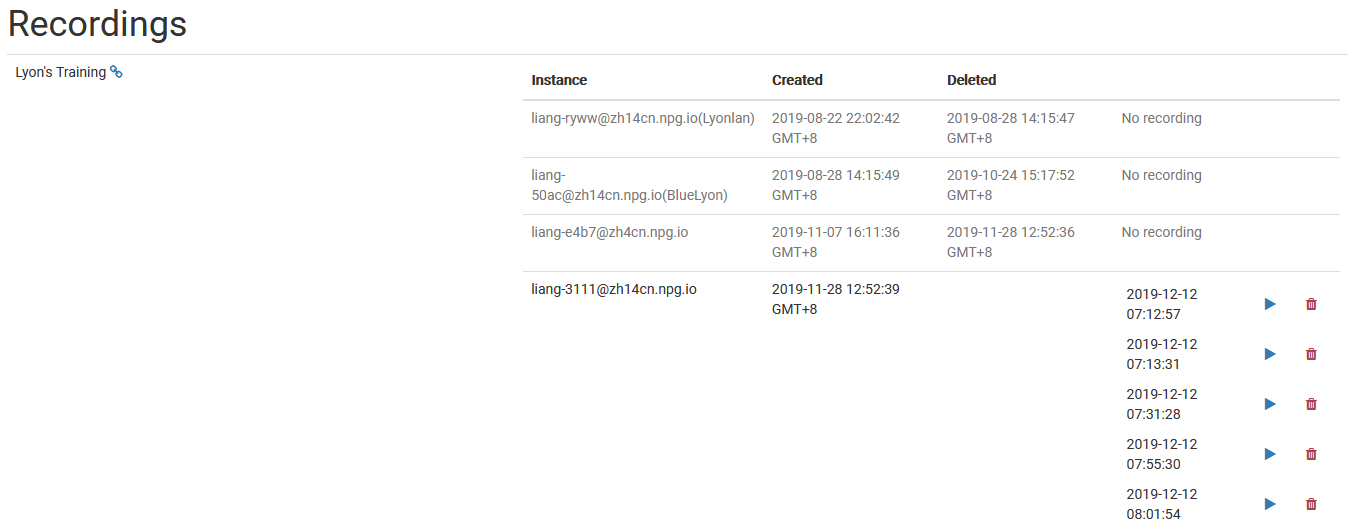
The Managing Recordings page lets Super Administrators access and handle recordings produced within DaDesktop. It serves as a central hub for browsing available recordings, making it easier for admins to stay on top of recording data and clear out those that are no longer needed.
Recording Management
On the recordings management page, administrators can scroll through the list of recordings and check their specifics. This allows for straightforward monitoring of recordings across the platform and making necessary adjustments as required.
Deleting Recordings
When a recording is past its useful life, it can be removed right from the management interface. Getting rid of unused recordings keeps the system tidy and cuts down on wasted storage space. Only recordings that are genuinely unnecessary should be deleted, as this is meant for final cleanup.